hAPPy Friday! Epic! is an amazing, FREE resource for educators! It offers unlimited access to over 20,000 high-quality fiction and non-fiction books for children 12 and below. There are ebooks, read-to-me books, audio books, and educational videos as well. Take a look at this week's Snapshot featuring Epic! and get started today! | |
|
0 Comments
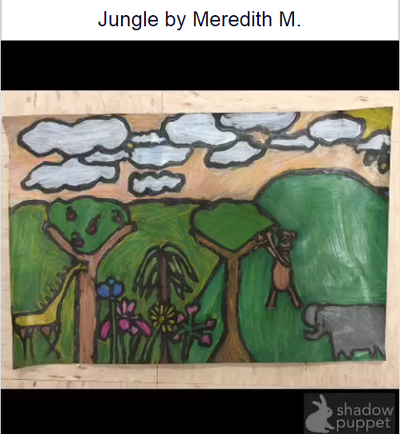
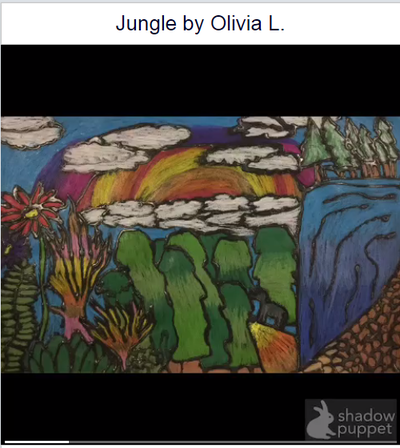
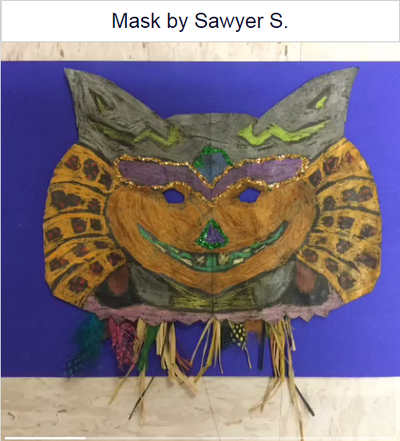
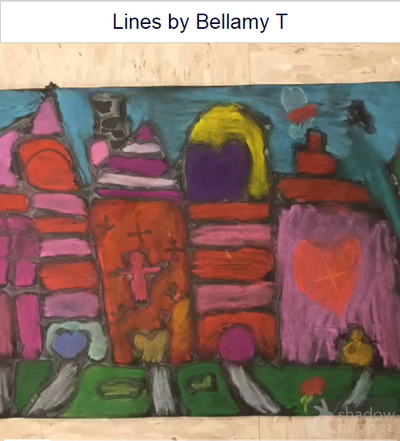
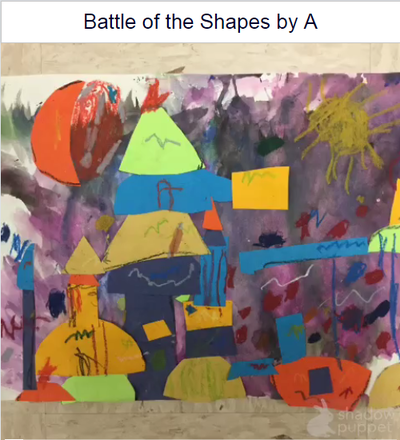
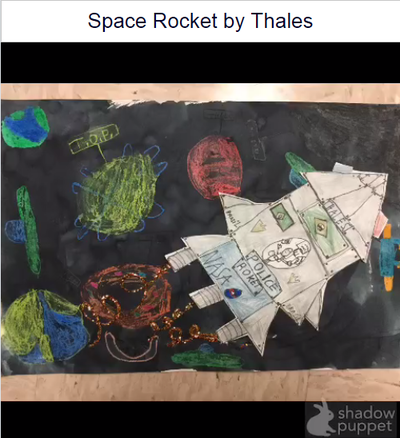
Congratulations to these incredibly creative students whose amazing artwork is hanging in Central Admin for an Art Show. At the Central Admin building, a QR code is displayed near each art piece so that the art piece loads a video created by each student. A sort of talking Art Show! Click on each photo to reveal the student-created Shadow Puppet EDU video telling you a little bit about what they studied and how they were inspired to create. Outstanding work Bobcats!
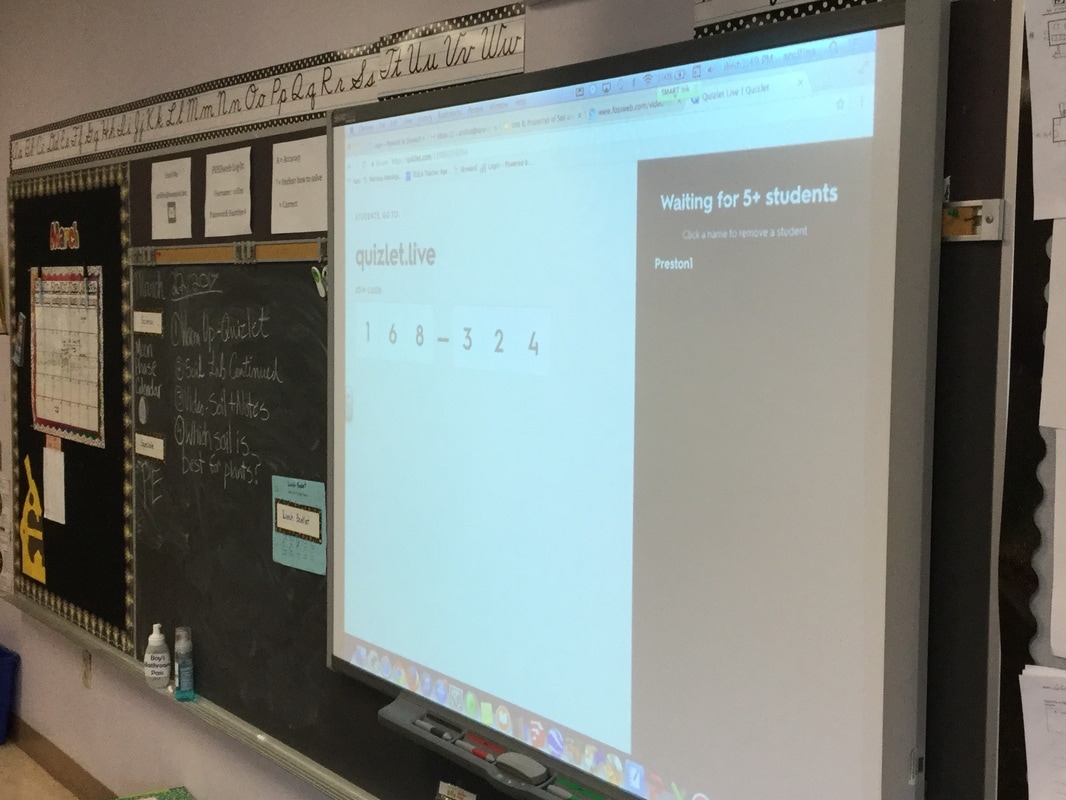
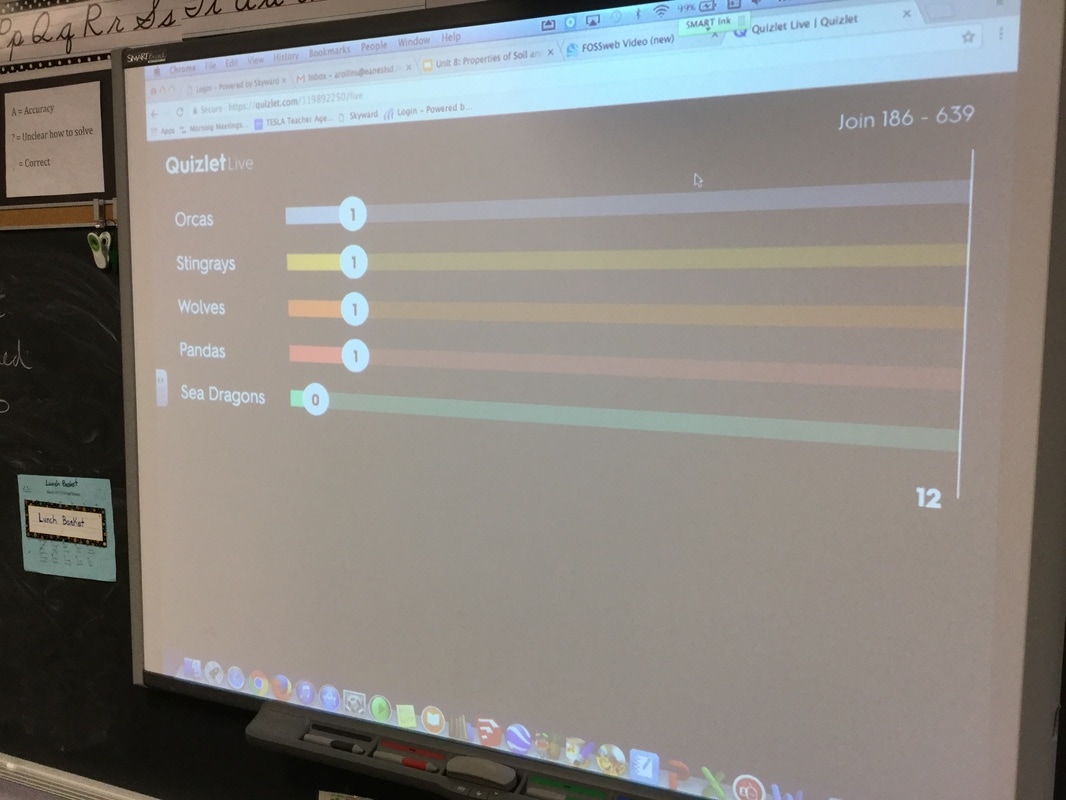
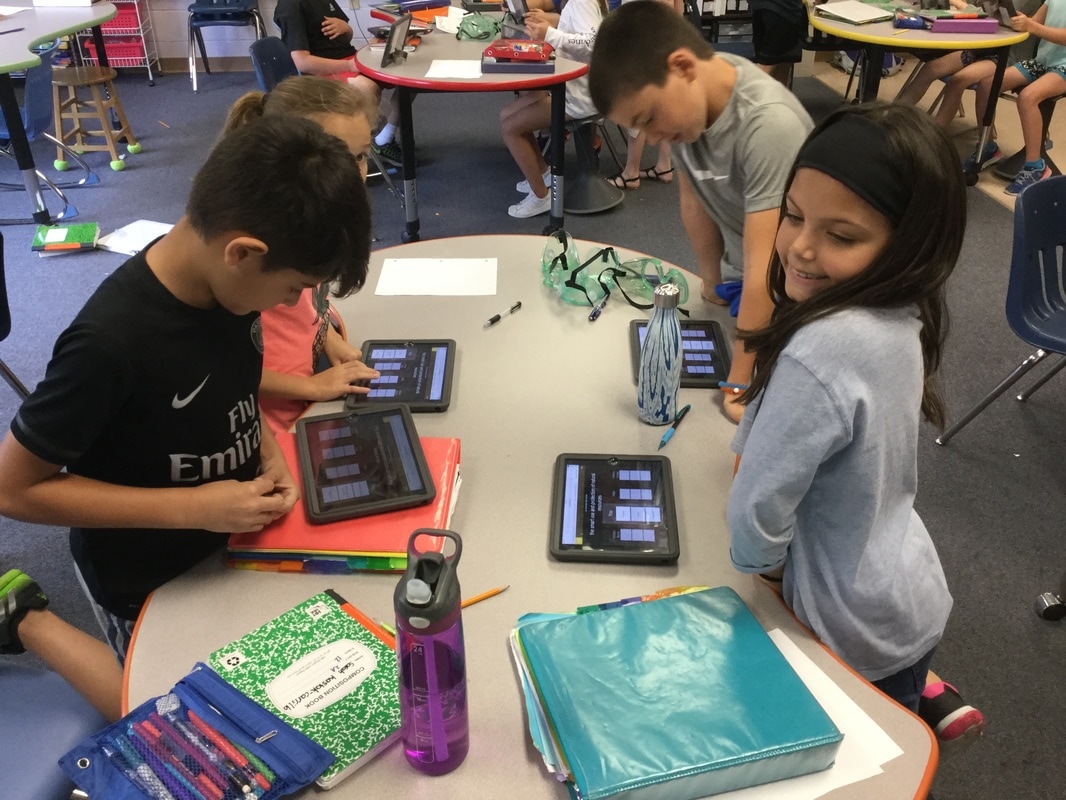
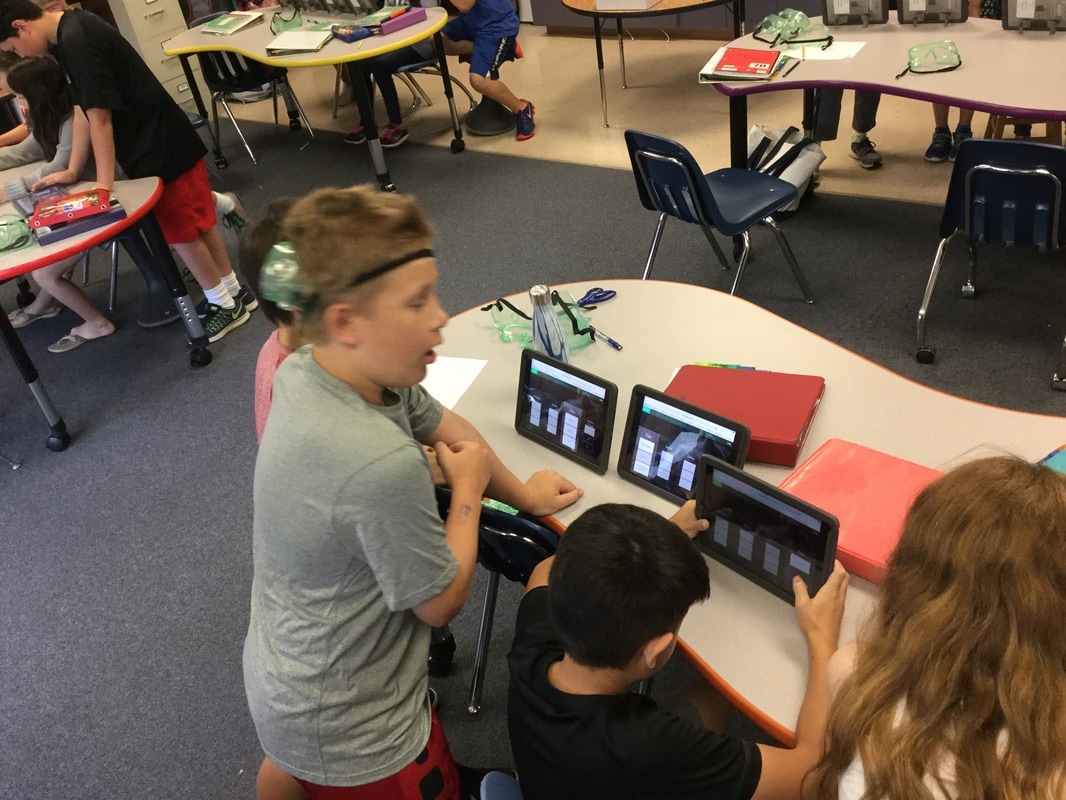
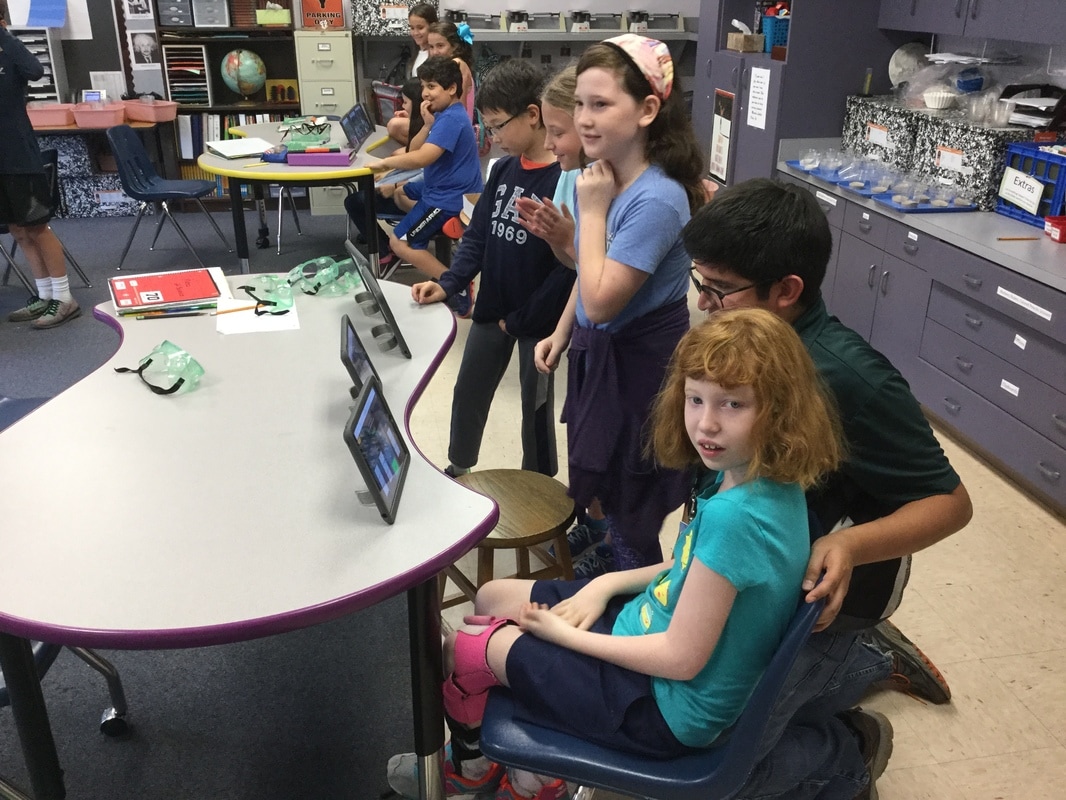
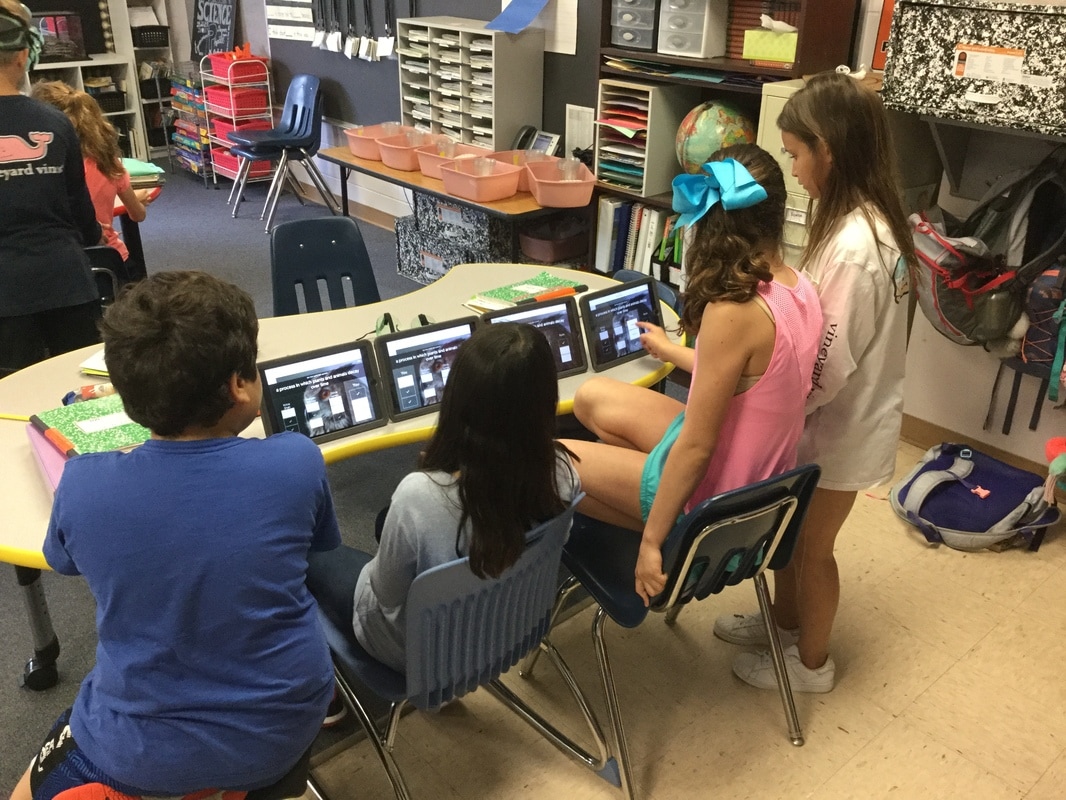
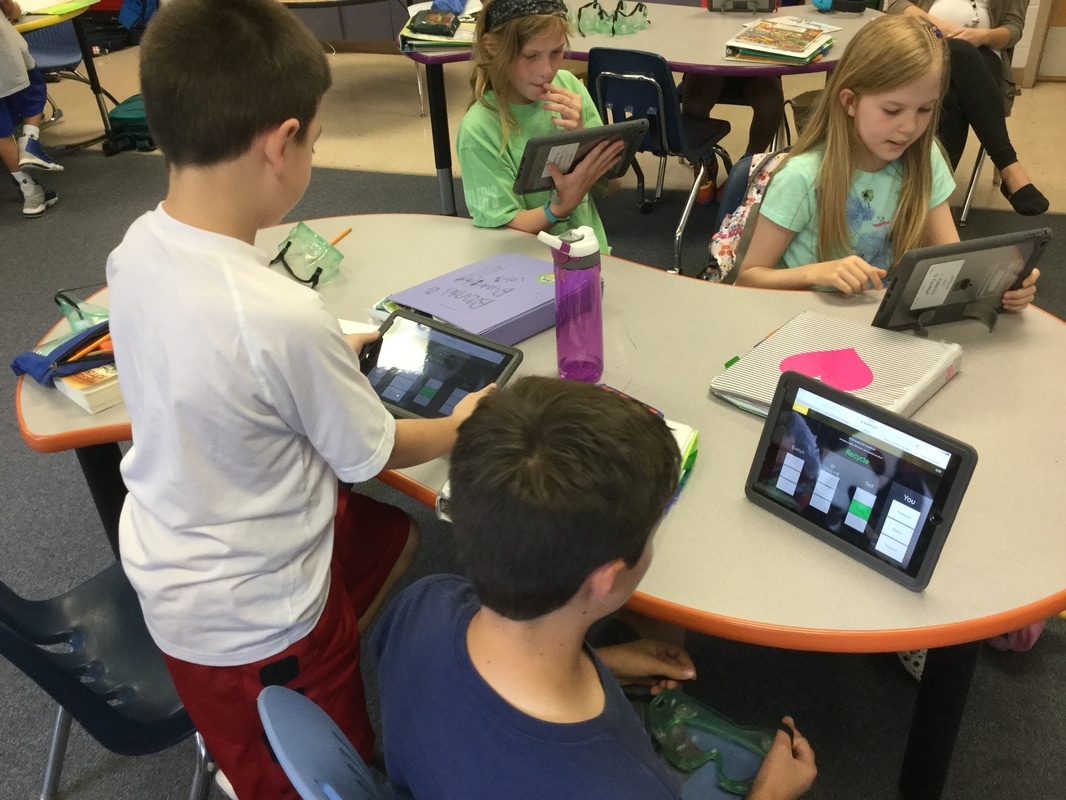
 Ms. Rollins' 4th graders have a new engaging way to practice their science vocabulary collaboratively: Quizlet Live! To get things rolling, Ms. Rollins first created a study set of vocabulary terms on Quizlet and then began the live session. Students used the Safari app to go to quizlet.live and entered a code (similar to Kahoot). Individual students entered their names and Quizlet randomly put students together in teams of three and four based on animal pictures. Then the fun began! Each student has the same question (or definition in this case) pop up on their iPad but the right answer is only on ONE of their teammate's iPads! They have to work together to discover what the correct answer is, and who has it. It is a race against the other teams, but they can't go too fast, because if they miss a question they have to start all over! It is a REALLY fun way to learn vocabulary, the students absolutely beg to play it over and over again! Thanks for sharing this cool tool for learning, Ms. Rollins!
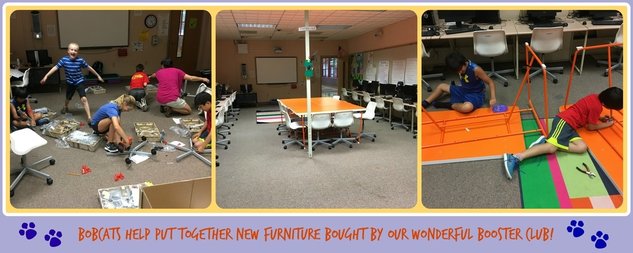 Our generous Booster Club strikes again! Many thanks to our Booster Club who helped to make our computer lab more colorful and comfortable by purchasing four new tables and thirty-two new chairs. Of course all that wonderful furniture had to be put together! I am very thankful to parents and a few of our talented 3rd and 4th graders who gathered hammers and power tools to help put everything together. How lucky we are to be a part of such a generous and caring community!
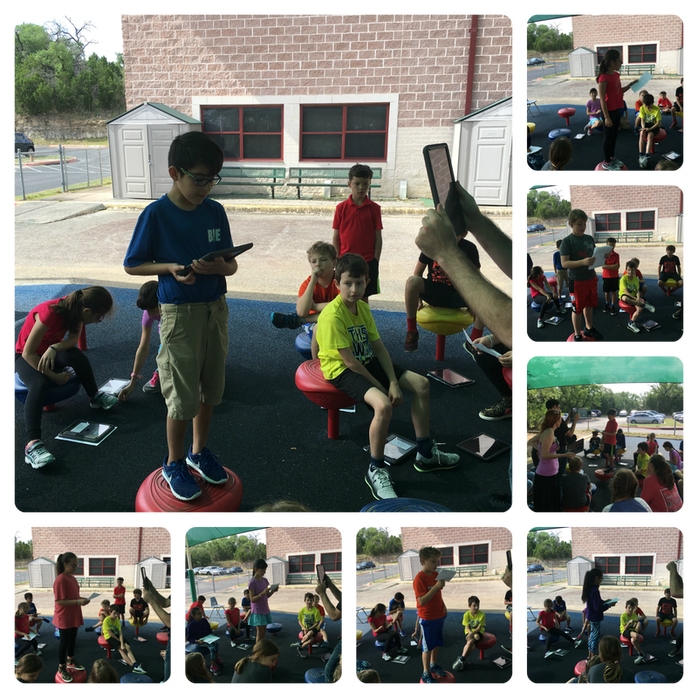
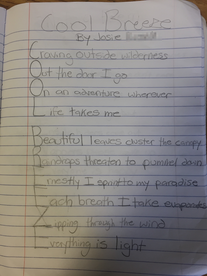
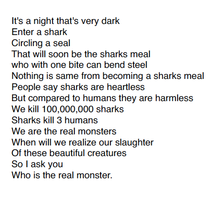
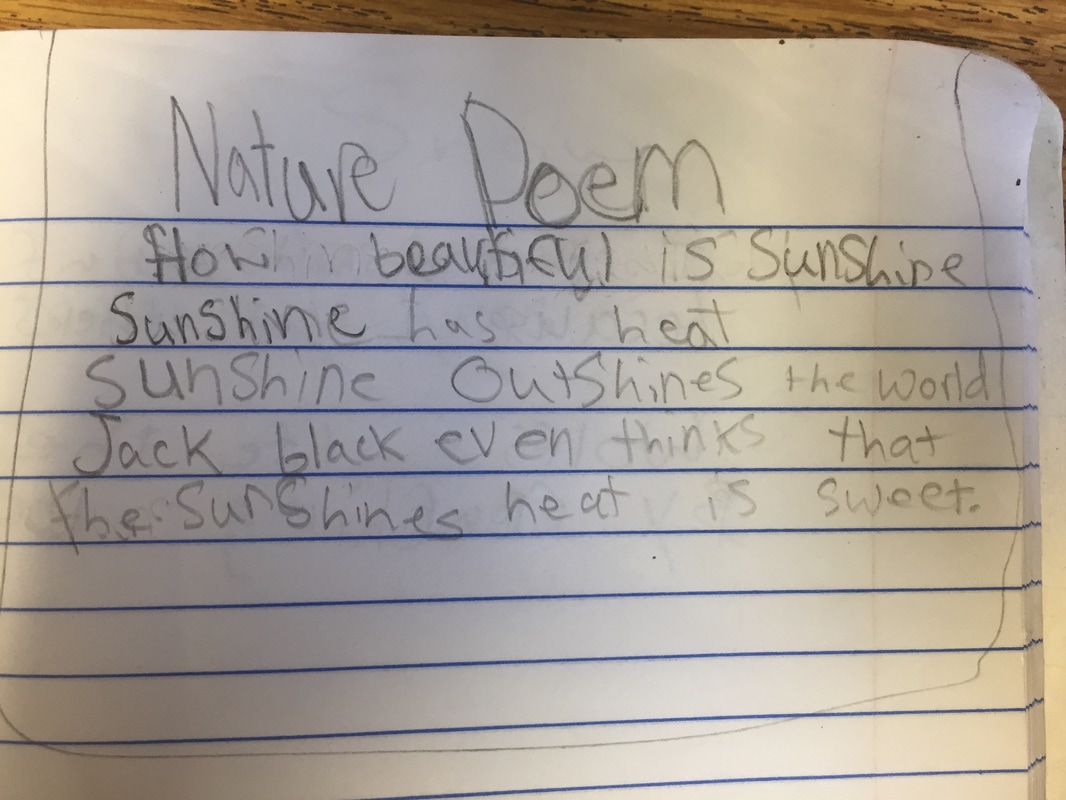
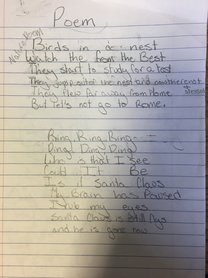
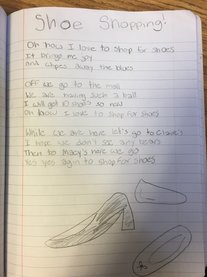
Words, rhythms and rhymes spilled from the hearts and minds of Ms. Joseph's and Mr. Root's 4th grade LA classes as they performed their original works of poetry outside in the cool breeze during the 4th Grade Poetry Slam. Like in a real Poetry Slam, instead of clapping, there was snapping. Why? Because in the tradition of a Poetry Slam, the audience snaps out their applause to let the poet know that they are not only heard, but felt as well. From the mournful loss of a faithful pet, to the love of stories, dance, and sharks, the words that tumbled out of our 4th graders made us laugh, wonder, and cry. Amazing work, 4th graders!


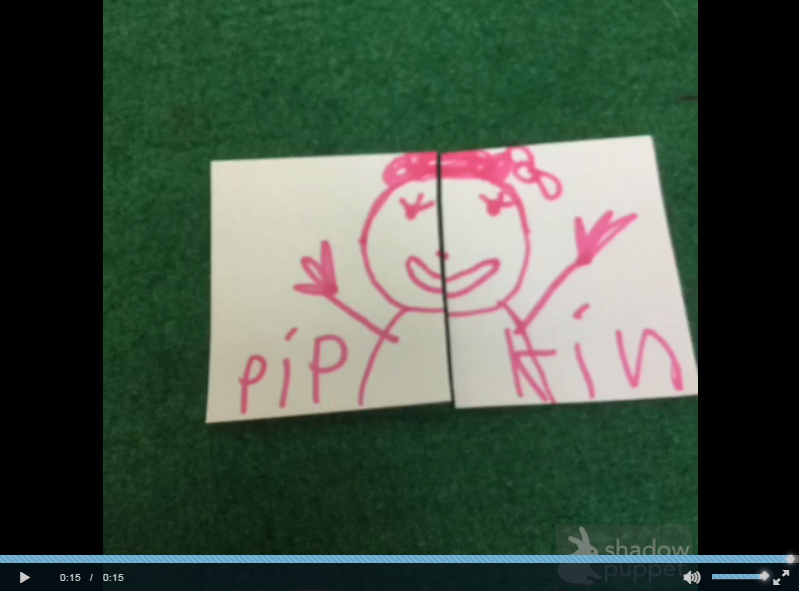
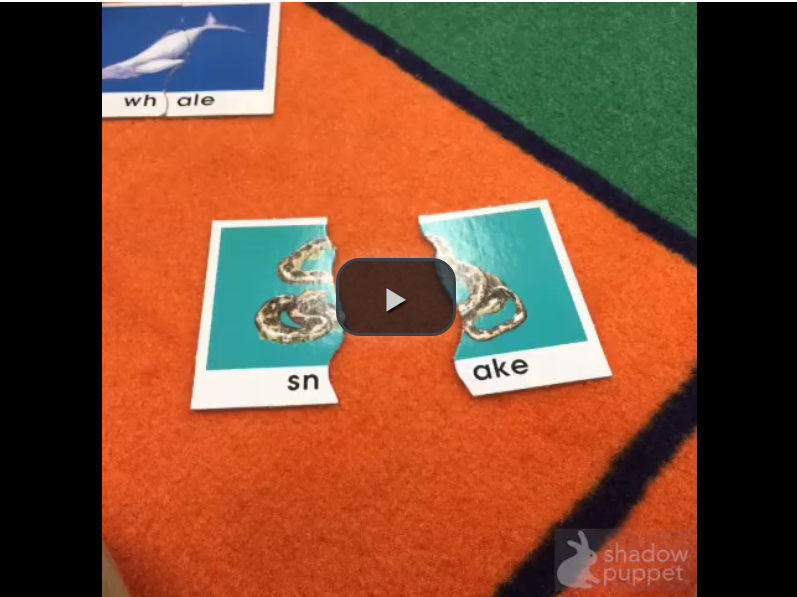
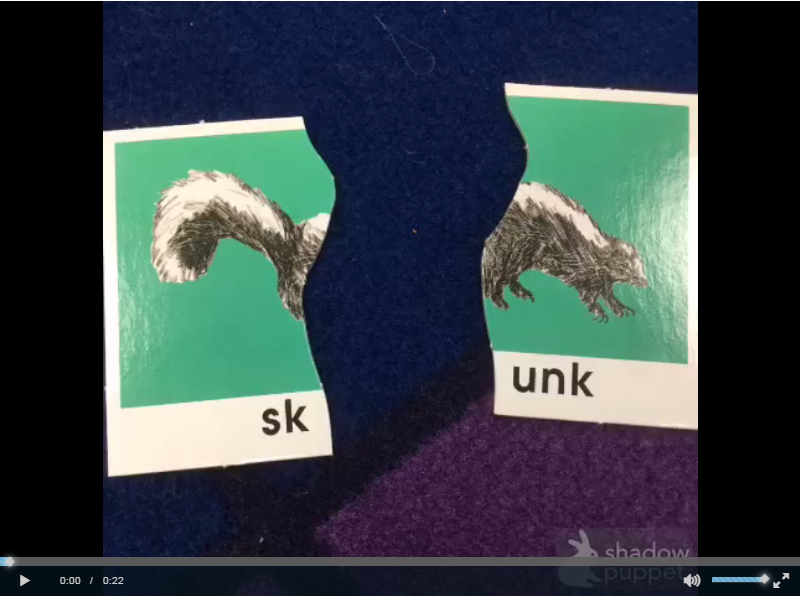
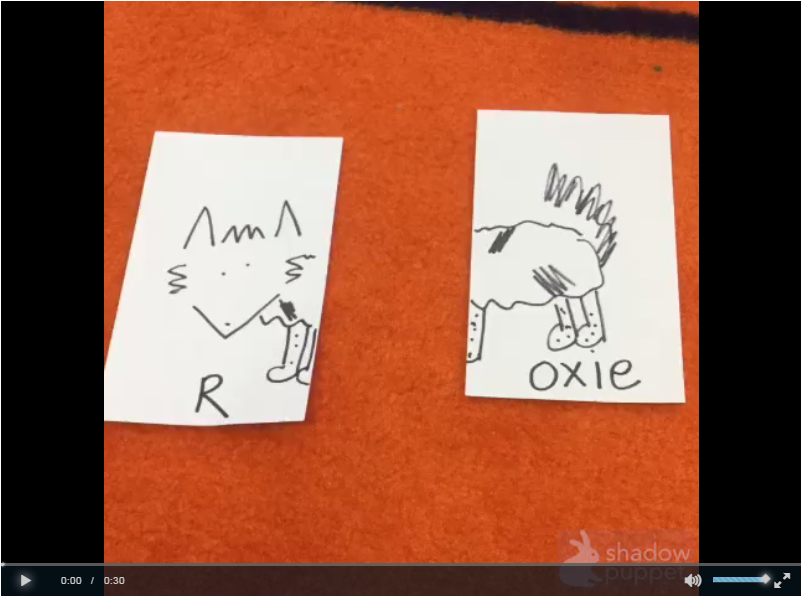
In the style of the vintage kids' show, The Electric Company, Ms. Skonieczny's kindergartners blended up sounds to create words. Using puzzles that segment words, these clever five and six-year-old kiddos snapped photos of the puzzles before and after they blended sounds together to make words. Using the app, Shadow Puppet EDU, these superstars created word blend videos with dazzling effects. To top it off, these kinders used See Saw to deliver their amazing work to their teachers and families. SH-OW stopper!
The signs of Spring are everywhere in Ms. Hester's classroom! Ms. Hester's kindergartners used their keen senses and powers of observation to write incredibly descriptive science journals chronicling the growth of flowers that they planted. They measured, they smelled, they dug, they photographed, they noticed, and they identified and labeled stems, leaves, buds, and roots. These budding writers wrote all about their learning adventure using the app, Book Creator to create their very own multimedia books! Using See Saw, Ms. Hester's students shared their amazing books with her and their parents! Way to GROW kindergartners!
|

View this blog on Pinterest

Welcome to the Bobcat Blog, a celebration of iTeaching and iLearning at Bridge Point Elementary School in Austin, Texas. Here we showcase how our school infuses curriculum with technology through our Learning and Engaging through Access and Personalization (L.E.A.P) 1:1 iPad initiative.
Archives
June 2018
 
**Clustrmaps server 4 crashed in March of 2015 and our stats have reset as of 3/26/15
Bridge Point Elementary
bpe.eanesisd.net

Our iPadpalooza learning festival registration is now open!!
|